Your Thumbnail Is Your Video's First Impression
Before anyone watches a single second of your video, they see your thumbnail. And in that fraction of a second, they decide: click or scroll.
It does not matter how good your content is. It does not matter how many hours you spent editing. If your thumbnail does not stop the scroll, your video gets zero views.
This is not opinion. YouTube's own data shows that 90% of the best-performing videos have custom thumbnails. And research from multiple studies shows that expressive, high-contrast thumbnails can increase CTR by 20-30%.
This guide covers everything you need to know about designing thumbnails that get clicks in 2026 - the psychology, the design rules, the technical specs, and the testing process.
Understanding Click-Through Rate (CTR)
CTR = Number of Clicks divided by Number of Impressions, times 100
An impression is every time your thumbnail is shown to someone - on the homepage, in search results, or in the sidebar. CTR tells you what percentage of those people actually clicked.
What Is a Good CTR?
| CTR Range | Performance Level | What It Means |
|---|---|---|
| Below 2% | Poor | Your thumbnail is not working |
| 2-4% | Average | Room for improvement |
| 4-6% | Good | Solid performance |
| 6-10% | Great | Your thumbnails are working well |
| 10%+ | Exceptional | Common on small or niche channels |
Important caveat: CTR naturally drops as impressions increase. A video with 1,000 impressions might show 12% CTR, but when it reaches 100,000 impressions with a broader audience, it might settle at 5-6%. This is normal.
The Psychology Behind Clicks
People do not logically evaluate thumbnails. They react emotionally and instinctively. Understanding the psychology gives you an unfair advantage.
Curiosity Gap
The most powerful click trigger is the curiosity gap - the space between what someone knows and what they want to know. Your thumbnail plus title should create an itch that only watching the video can scratch.
Example: A thumbnail showing someone with a shocked face holding a broken phone paired with the title "This $5 Fix Saved My iPhone" creates curiosity: What broke? What is the fix? Does it really work?
Emotional Faces
Thumbnails with faces outperform faceless thumbnails by a significant margin. But not just any face - exaggerated, genuine expressions are what work.
Why? Humans are hardwired to read faces. When we see someone with wide eyes and an open mouth, our brain instinctively wants to know what caused that reaction.
Contrast and Pattern Interruption
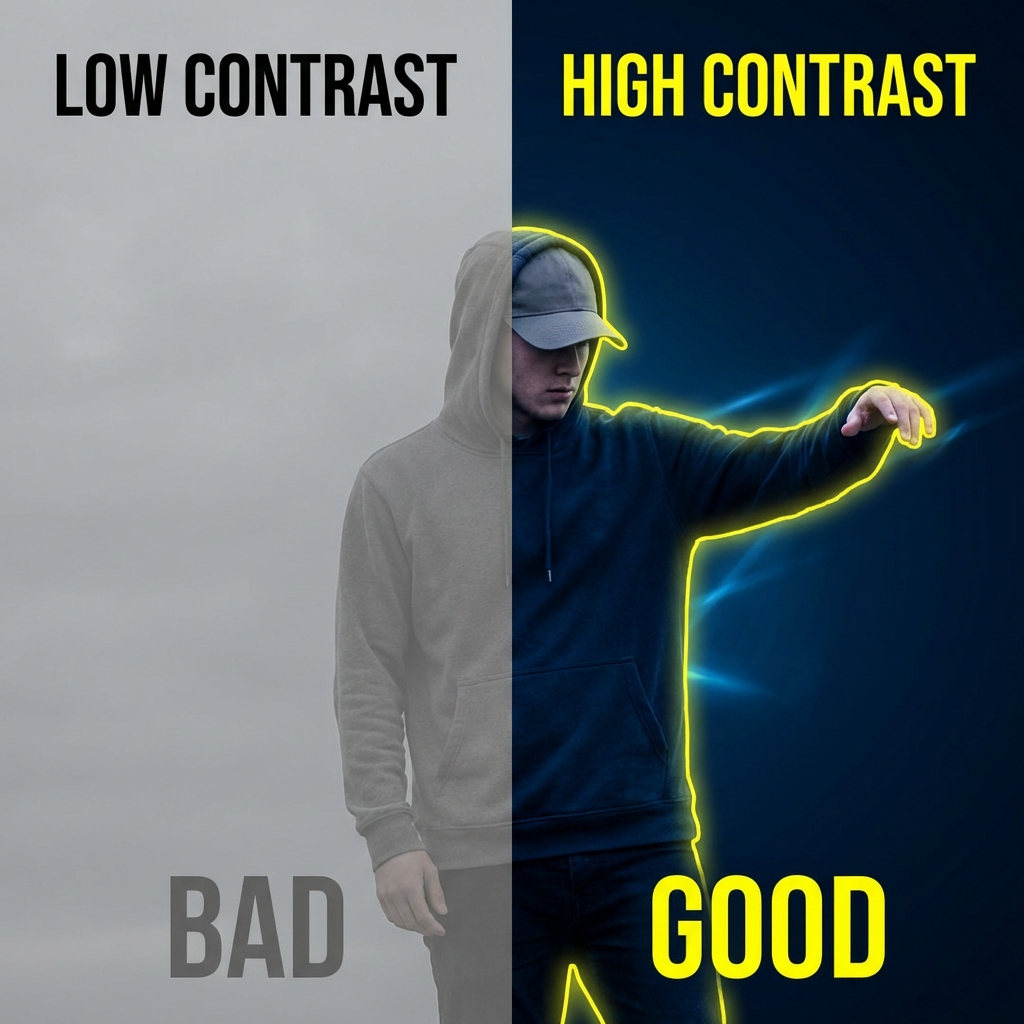
Your thumbnail appears alongside dozens of others. The one that looks different gets clicked. High contrast naturally draws the eye - bright subject on dark background, or vice versa.
Implied Transformation
Before and after comparisons, results shots, and visual transformations trigger the viewer's desire for improvement. If your thumbnail shows the "after" state that viewers want to achieve, they click to learn how.
The 7 Rules of High-CTR Thumbnails
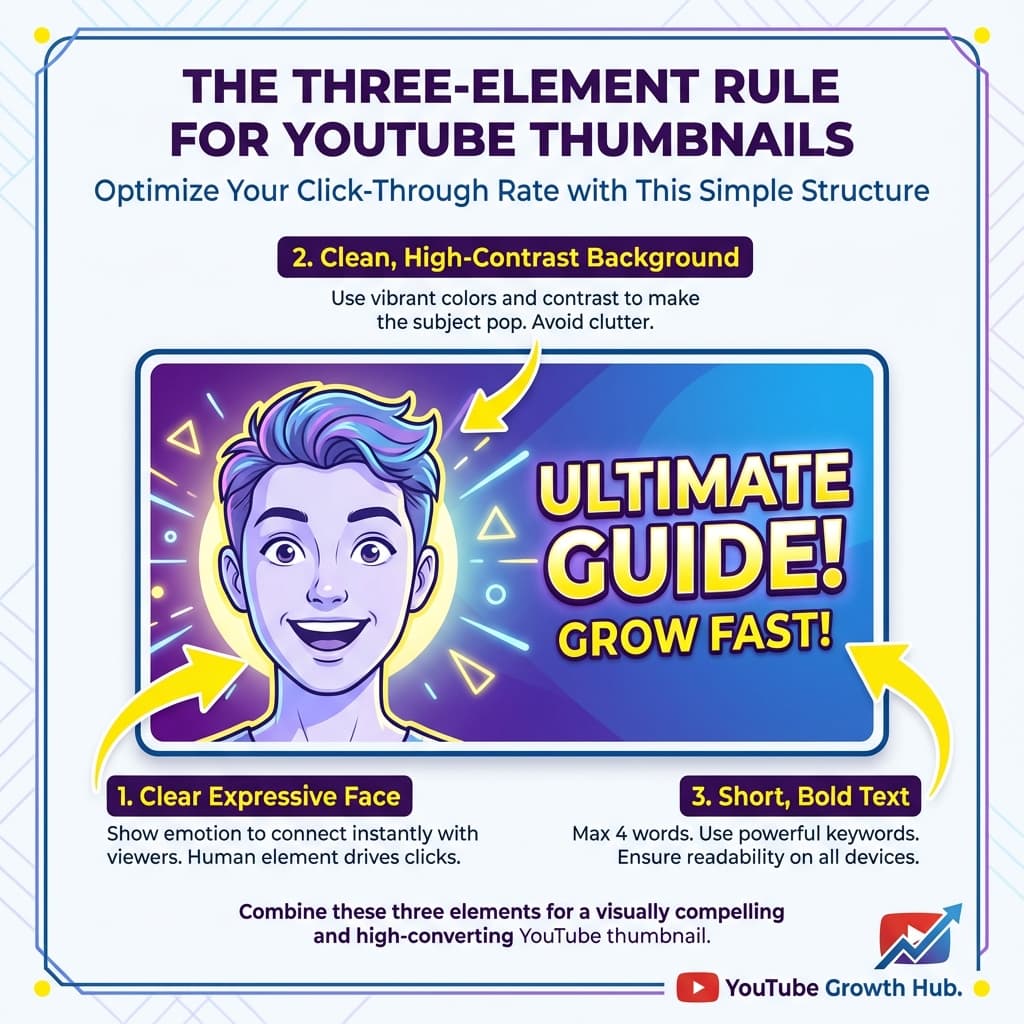
Rule 1: Maximum Three Elements
The best thumbnails have a person (or focal point), a background, and optional text. That is it.
Every additional element competes for attention. When nothing stands out, nothing gets clicked.
- One face as the primary element
- One simple background (solid color, gradient, or blurred setting)
- One text overlay if needed, maximum 3-4 words
Rule 2: Text Under 5 Words
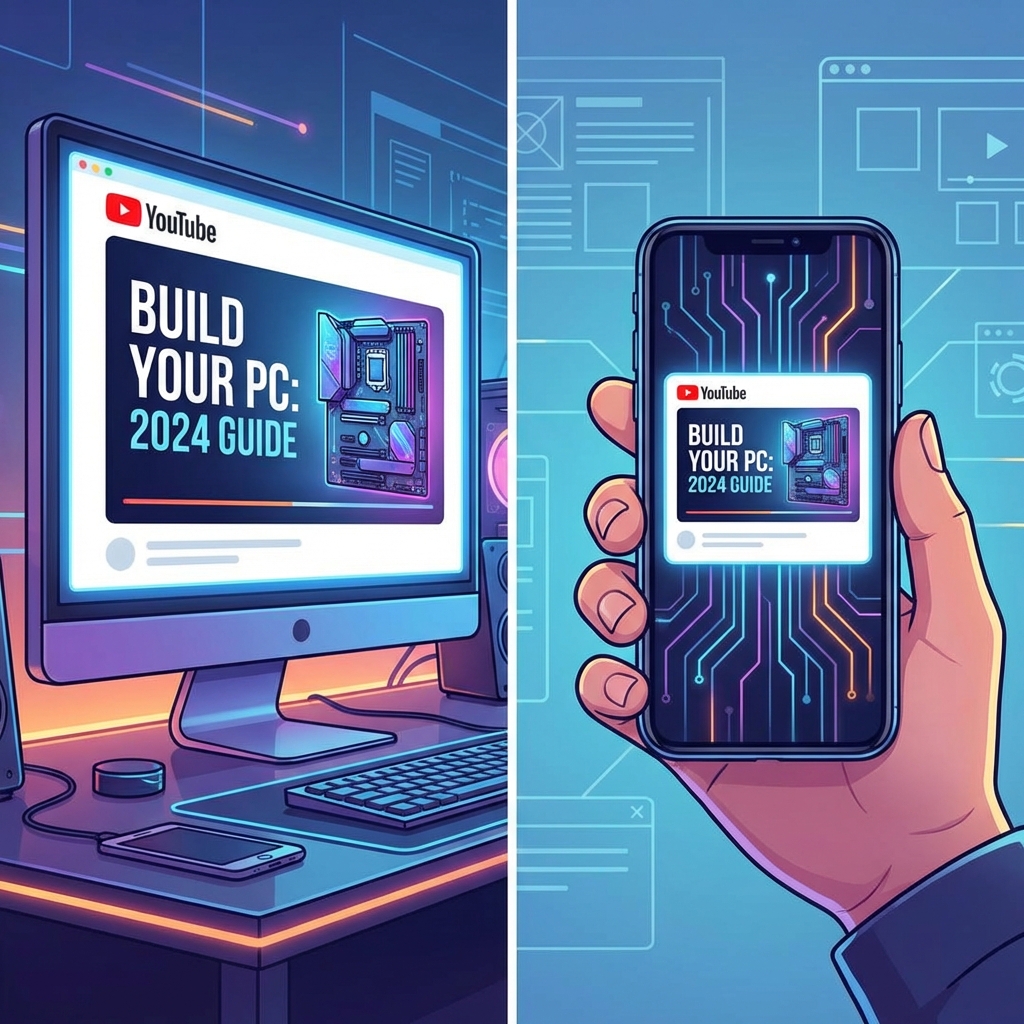
If you use text on your thumbnail, keep it to 4 words or fewer. On mobile where over 70% of YouTube is consumed, long text becomes unreadable.
- "HUGE MISTAKE"
- "IT WORKED"
- "$0 vs $1000"
- "DON'T DO THIS"
- "Why You Should Never Do This One Thing On YouTube"
- "Complete Guide to Starting a Channel in 2026"
Rule 3: High Contrast Colors
Your thumbnail needs to pop against YouTube's white light mode and dark mode backgrounds.
- Bright yellow or orange on dark backgrounds
- White text on rich, saturated backgrounds
- Red accents for urgency
- Complementary color combinations like blue and orange or purple and yellow
- White backgrounds that blend into YouTube's light mode
- Muted, desaturated tones that disappear in the feed
- Too many colors at once creating visual noise
Rule 4: Express, Do Not Pose
If you use your face, show genuine emotion - not a rehearsed influencer pose. The most effective expressions:
- Wide eyes plus open mouth for surprise or shock
- Genuine laughter for joy
- Intense focus for curiosity
- Exaggerated frustration for relatability
Rule 5: Design for Mobile First
Always check your thumbnail at mobile size before publishing. Pull it up on your phone at the smallest preview size. Can you still read the text? Can you still see the expression? Is the focal point clear?
If anything is hard to see at small size, simplify.
Rule 6: Thumbnail-Title Partnership
Your thumbnail and title should work as a team, not say the same thing. The thumbnail creates a visual hook. The title provides context.
Bad (redundant): Thumbnail text "BEST CAMERA" plus Title "The Best Camera for YouTube 2026" Good (complementary): Thumbnail showing person holding camera with shocked face plus Title "This $200 Camera Beats Everything I Own"
Rule 7: Consistency Creates Recognition
Over time, your thumbnails should develop a recognizable style. Not identical templates (that gets boring), but a consistent vibe: same fonts, similar color palettes, recurring composition patterns.
When subscribers see your thumbnail in their feed, they should immediately know it is from you.
Step-by-Step Thumbnail Creation Process
Step 1: Plan Before You Shoot
Before recording your video, plan your thumbnail. Think about:
- What is the ONE emotion I want to convey?
- What visual element will create curiosity?
- How does this pair with my title?
The best creators plan their thumbnail before scripting the video. The thumbnail is the marketing - the video is the product.
Step 2: Capture the Shot
If using your face:
- Lighting: Face the light source directly. Ring lights or window light work great.
- Expression: Exaggerate by 50%. What feels too much in person looks natural in a small thumbnail.
- Multiple takes: Shoot 10-20 thumbnail photos with different expressions. You want options.
- High resolution: Use the highest resolution your camera allows. You can always crop down.
Step 3: Design the Layout
Use free tools like Canva, or professional tools like Photoshop:
- Start with a 1280 x 720 pixel canvas in 16:9 ratio.
- Place your focal element (face or subject) on one side.
- Add a clean background by removing or blurring the original.
- Add text if any on the opposite side from the face.
- Ensure high contrast between all elements.
Step 4: Test at Small Size
Before uploading:
- Shrink the image to the size of a postage stamp.
- Can you still identify the key elements?
- Is the text readable?
- Does it stand out against a dark AND light background?
If it passes the small-size test, it is ready.
Step 5: A/B Test
YouTube's built-in Test and Compare feature lets you upload 2-3 thumbnails for the same video and see which performs best. Use it on every video.
Important: Only change one variable at a time. If you test completely different designs, you will not know which specific element made the difference.
Technical Specifications (2026)
| Specification | Requirement |
|---|---|
| Resolution | 1280 x 720 pixels (minimum) |
| Aspect Ratio | 16:9 |
| File Format | JPG, PNG, or GIF |
| File Size | Under 2 MB |
| Recommended Resolution | 1920 x 1080 pixels |
PNG is best for thumbnails with text and graphics because it is sharper. JPG is fine for photo-only thumbnails with smaller file size.
Common Thumbnail Mistakes (And How to Fix Them)
Mistake 1: Clickbait That Does Not Deliver
High-CTR thumbnails that lead to low retention actually hurt your video. YouTube has identified the thumbnail-content alignment paradox - misleading thumbnails generate clicks but destroy watch time, which tanks your video in recommendations.
Fix: Your thumbnail should be an honest teaser, not a false promise. Create curiosity about what IS in the video, not what is not.
Mistake 2: Using the Default YouTube Thumbnail
YouTube auto-generates three thumbnail options from your video. All three are almost always terrible - random frames with awkward expressions.
Fix: Always upload a custom thumbnail. Always.
Mistake 3: Copying Other Creators Exactly
If every tech channel uses the same shocked face plus product format, doing the same thing means you blend in. Study what works, but put your own twist on it.
Fix: Use the same psychological principles but with your own visual style.
Mistake 4: Ignoring Mobile Viewers
Designing on a large monitor and never checking mobile is a common trap. Text that looks perfect at full size becomes unreadable on a phone.
Fix: Check every thumbnail on your phone before uploading.
Mistake 5: Never Updating Old Thumbnails
If an older video has good content but a weak thumbnail, change it. Refreshing thumbnails on evergreen content can revive dead videos.
Fix: Review your top 10 videos by impressions. If any have below-average CTR, redesign the thumbnail and monitor the impact.
Analyzing What Works: Study the Outliers
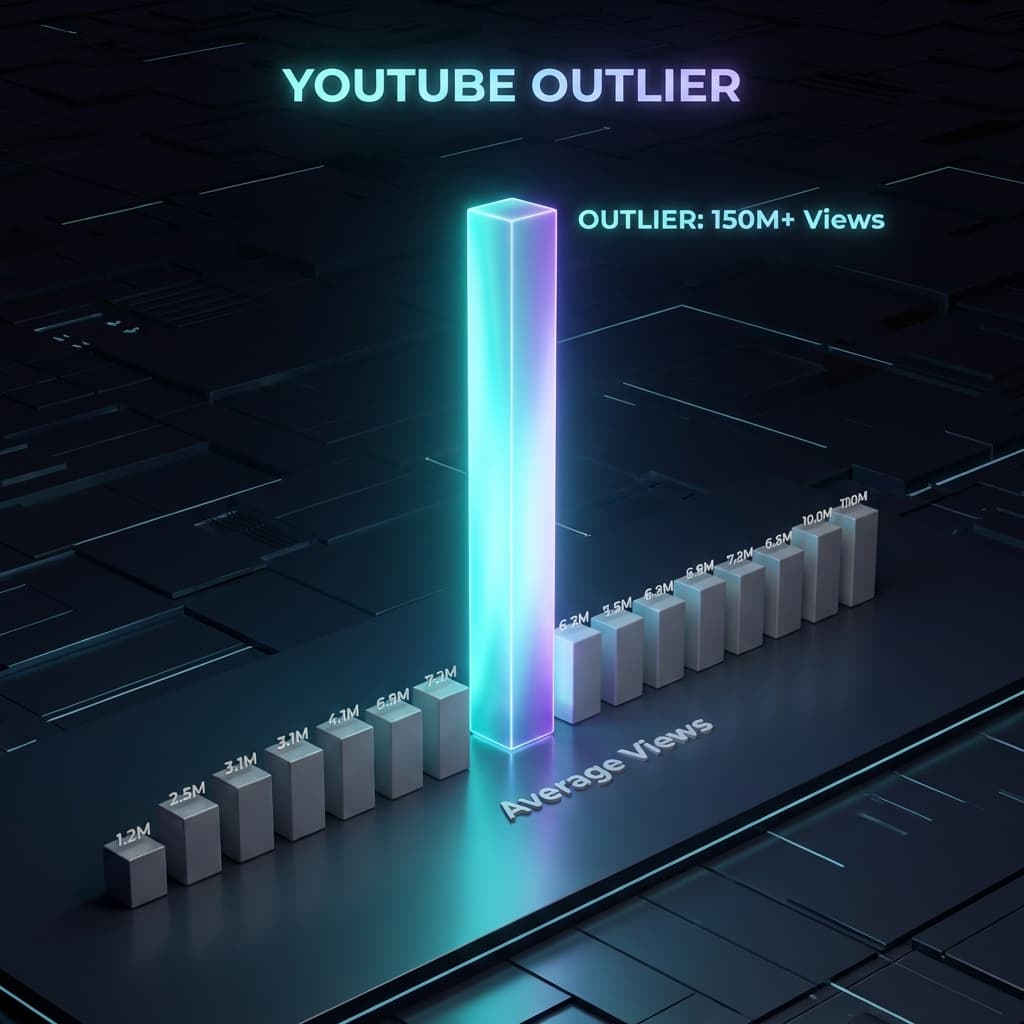
The fastest way to improve your thumbnails is to study what is already working in your niche. Look for outlier videos - videos that got significantly more views than a channel's average.
Ask yourself:
- What colors dominate the thumbnail?
- Is there a face? What expression?
- How much text is used?
- What is the composition style?
- How does the thumbnail pair with the title?
When you see patterns across multiple outliers, you have found a formula that resonates with your target audience.
Shortcut: OutSpotYT identifies outlier videos automatically and lets you analyze the patterns behind why they went viral - including thumbnail and title strategies. Try it free.
Thumbnail Design for Different Content Types
Tutorial and How-To Videos
- Show the end result or transformation
- Use text like "EASY" or "STEP BY STEP"
- Clean, professional look builds trust
Reaction and Commentary Videos
- Expressive face is essential
- Use a frame from the content you are reacting to
- Pair emotion with the subject
Review Videos
- Show the product prominently
- Use verdict-style text: "WORTH IT?" or "SKIP"
- Include a rating visual like stars or a score
Vlog and Lifestyle Videos
- Capture the most visually striking moment
- Use vibrant colors from the location
- Show genuine emotion from the experience
AI Thumbnail Tools in 2026
AI has changed thumbnail design. In 2026, several tools can help:
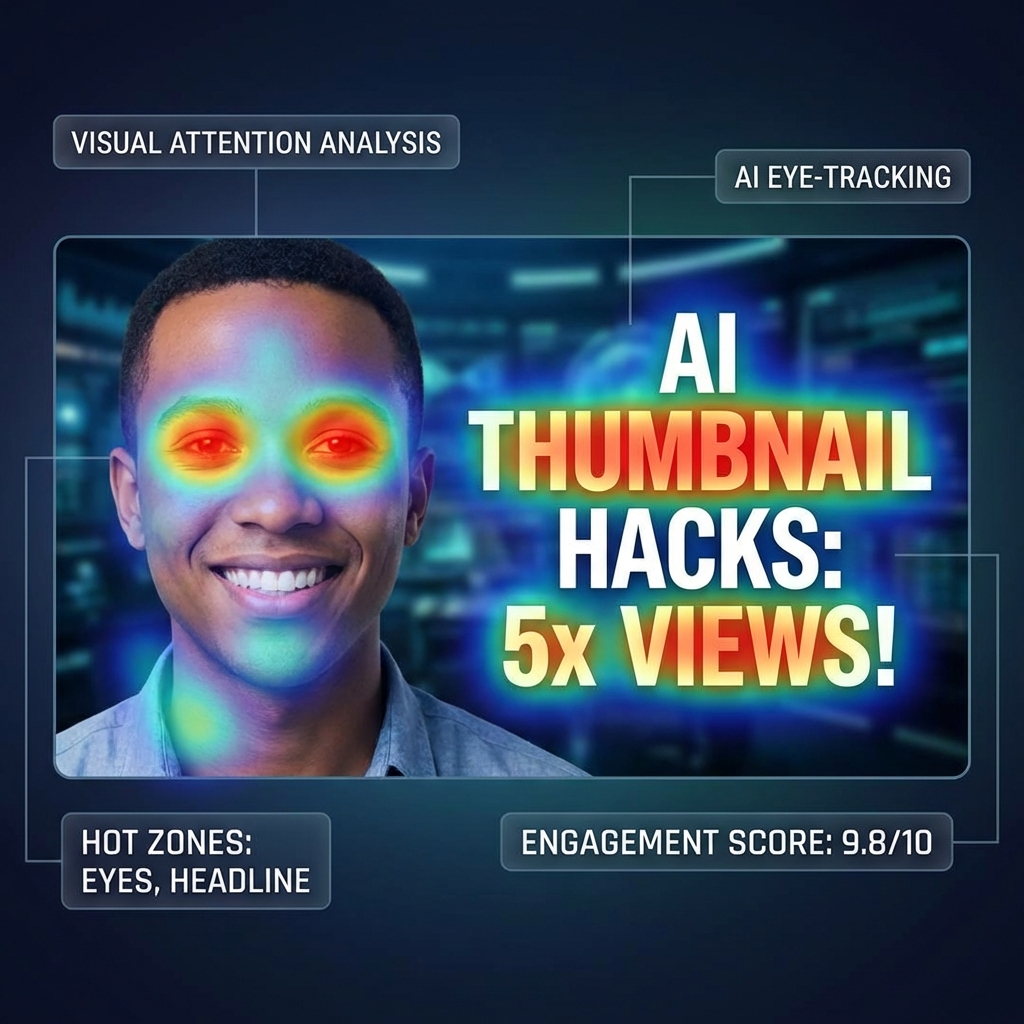
- AI Thumbnail Analysis - Tools that analyze your thumbnail and predict where viewers' eyes will land first using heat map analysis. If attention is on the wrong element, you know what to move.
- AI Background Removal - Instantly remove and replace backgrounds for cleaner compositions.
- AI-Generated Thumbnails - Generate thumbnail concepts based on your video topic.
OutSpotYT includes AI-powered thumbnail analysis that scores your thumbnails and suggests improvements. Our AI thumbnail generation creates ready-to-use, professional thumbnail options based on your video topic. See how it works.
Your Thumbnail Improvement Checklist
Use this checklist before uploading every thumbnail:
- Does it have 3 or fewer main elements?
- Is any text under 5 words?
- Is there high contrast between foreground and background?
- Does it create curiosity when paired with the title?
- Is the focal point immediately clear?
- Does it work at mobile size?
- Is the expression genuine and exaggerated?
- Does it look different from what is already in the feed?
- Does it honestly represent the video content?
If you can check all of these, your thumbnail is ready.
The Bottom Line
Your thumbnails are not decoration. They are the single biggest lever you have to increase your views. A video with great content and a bad thumbnail will underperform every time. A video with great content and a great thumbnail has a shot at breaking out.
The good news: thumbnail design is a learnable skill. Follow the rules in this guide, study what works in your niche, test relentlessly, and iterate based on data.
Your next viral video might already be uploaded - it just needs a better thumbnail.
Related Guides
Take your YouTube game further with these resources:
- Not getting views? Bad thumbnails are often the reason. Read our complete guide on why YouTube videos get under 100 views for all 7 fixes.
- Study what works: Learn how to find and analyze YouTube outlier videos - including their thumbnail patterns.
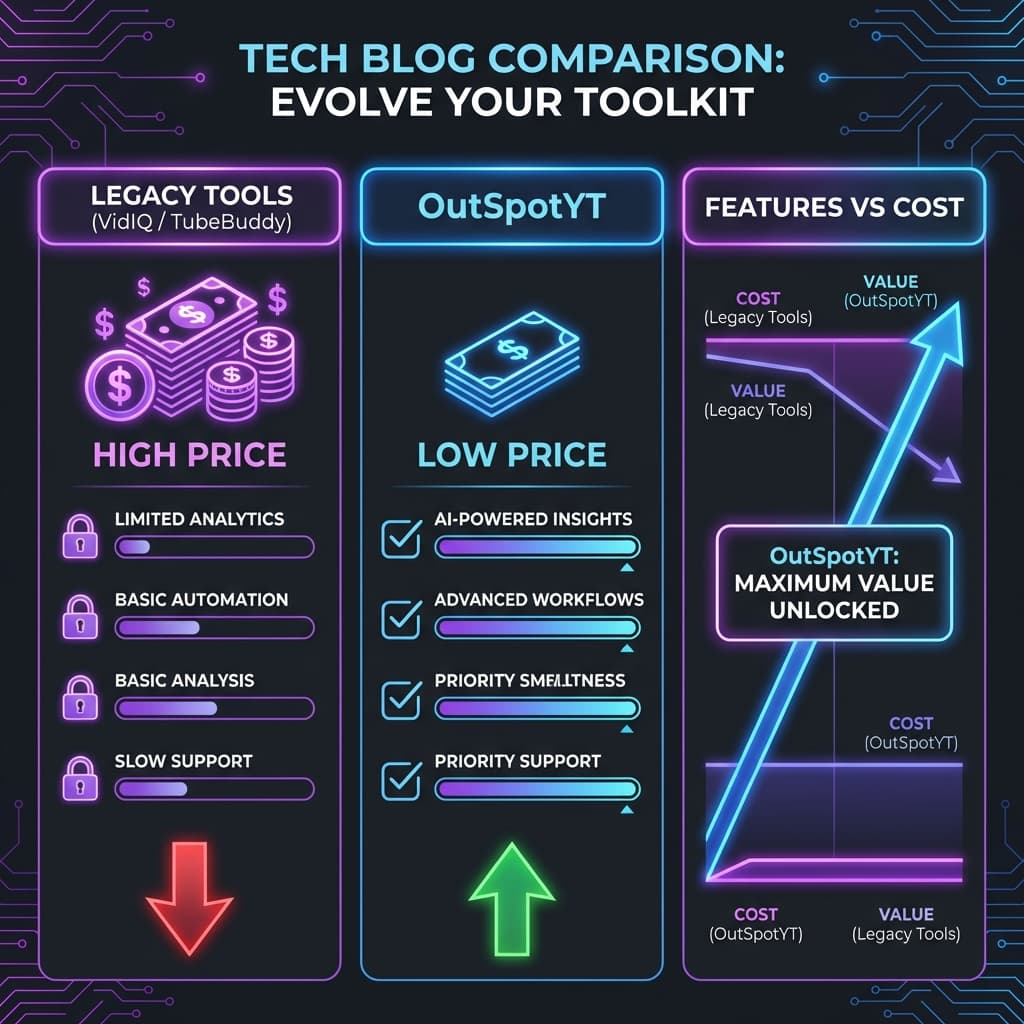
- Save money on tools: See how OutSpotYT compares to VidIQ and TubeBuddy for thumbnail analysis and more.
Want to analyze what makes the best thumbnails in your niche work? Start free with OutSpotYT - AI-powered thumbnail analysis, outlier detection, and keyword research. No credit card required.